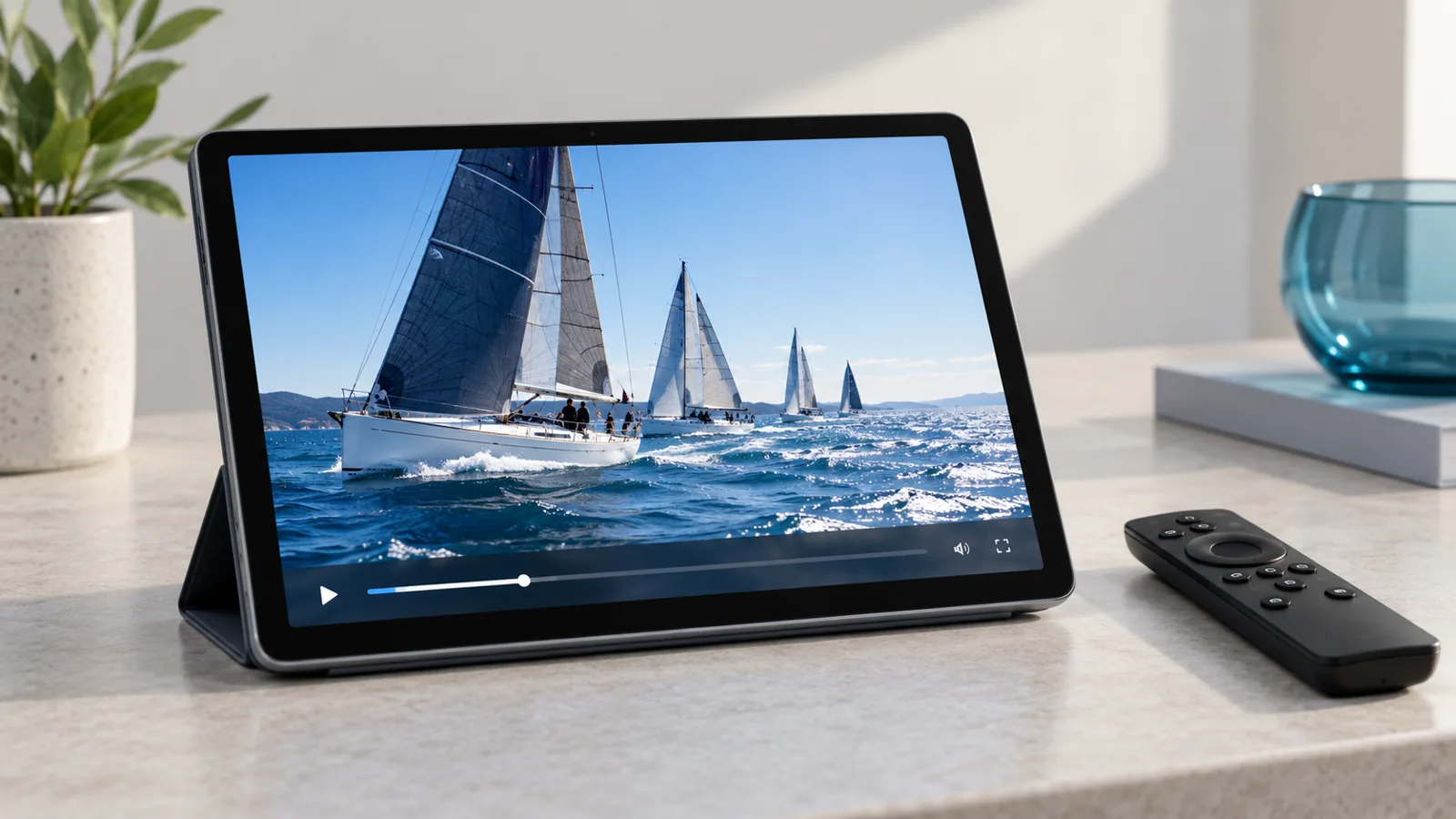
What a player does
A compatible player signs in using the method supported by your service and displays the available programming. Some players support programme guides, favourites or parental controls. Features differ by platform and version.
Choose for your exact device
Check your device model and operating system, then ask Flexstreams which setup is supported. Use the official app store or publisher. Similar app names do not mean they are the same product, and a player purchase does not automatically include channels.
Sign in carefully
Use the login method specified in your order confirmation. Enter the details exactly, allow the list to load and test playback. Keep credentials out of public screenshots and only enter them in the player you intended to use.
Before changing apps
If playback fails, note the error and contact support before buying another player. A problem may relate to connectivity, credentials or the package rather than the application. Confirm any separate app fee and refund terms with its publisher.