Before you install
- Confirm your country, device model and licensed package with Flexstreams.
- Use a trusted internet connection and update your device software.
- Install the compatible player from its official store or publisher.
- Enter the subscription details supplied privately after your order is confirmed.
Player licences or app charges, where applicable, are separate unless explicitly included in your order. Never post your subscription login publicly.
Smart TVs
Samsung, LG and other smart TV platforms have different app stores and supported formats. Send us the model and year before you buy. Open the compatible app, choose its supported login method, enter the details we provide and allow the guide to load. Older TVs may need an external streaming device.
Fire TV & Fire TV Stick
Check your Fire TV model and software version, then ask us to confirm the supported player. Use the official store or publisher instructions. Avoid unknown download codes, unofficial APKs and installers that request unrelated permissions. Enter your service credentials in the player only after verifying its source.
Android TV, Android phones & tablets
Install the agreed compatible player from a trusted official source. Match the login type to the details provided with your order. Check for typing errors if login fails; do not share credentials in a public support forum.
iPhone, iPad, Windows & Mac
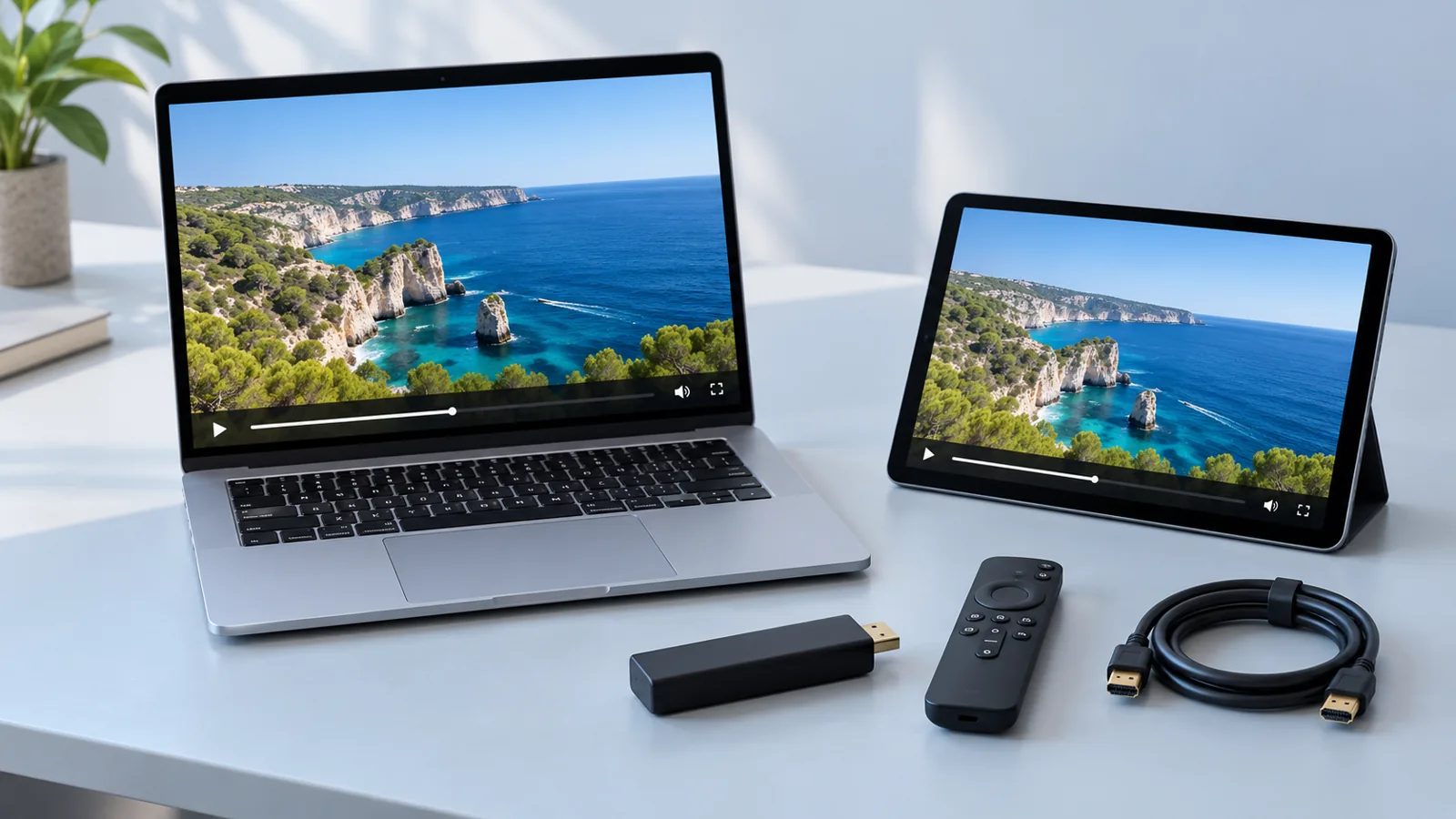
Confirm the supported app for your operating system first. An app subscription is separate from your IPTV service. Use the appropriate login method, let the channel list finish loading and test one stream before changing settings.
MAG and other dedicated boxes
Give support the exact box model before ordering. Portal-based devices may require different setup details from app-based players. Do not change firmware or network settings using instructions intended for another model.
If playback does not start
- Check your internet connection and restart the app.
- Confirm the login details and that your subscription is active.
- Check your plan’s simultaneous connection allowance and stop any streams that exceed it.
- Try another available channel and note any error message.
- Contact us with your model, app version and the time the issue occurred.
For a connection test, use an official tool from your internet provider or device maker. Wired Ethernet can help where Wi-Fi is unstable.